
CallMonitor
FritzBox call monitor with caller pictures and a system tray
FritzBox call monitor with caller pictures and a system tray
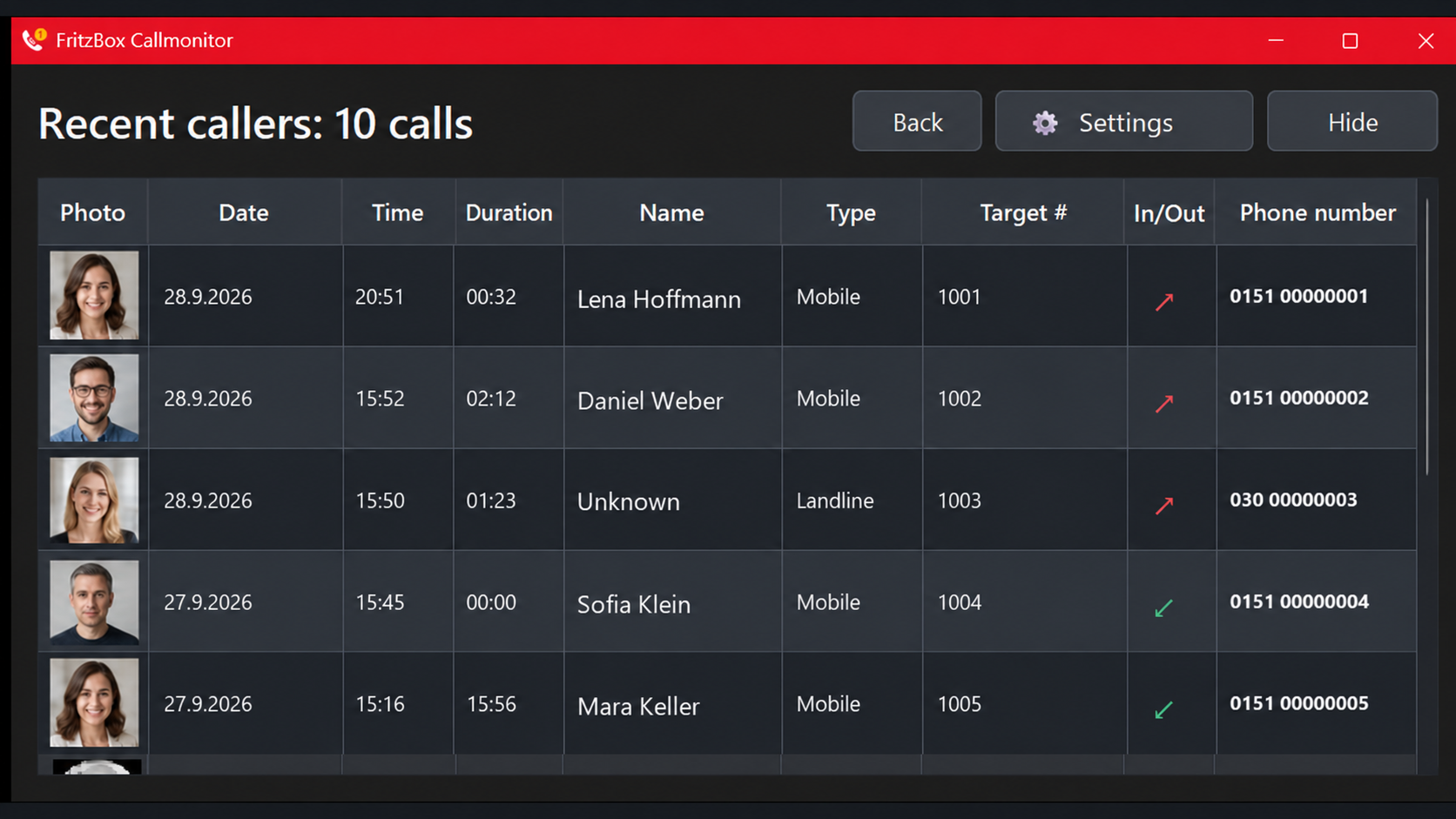
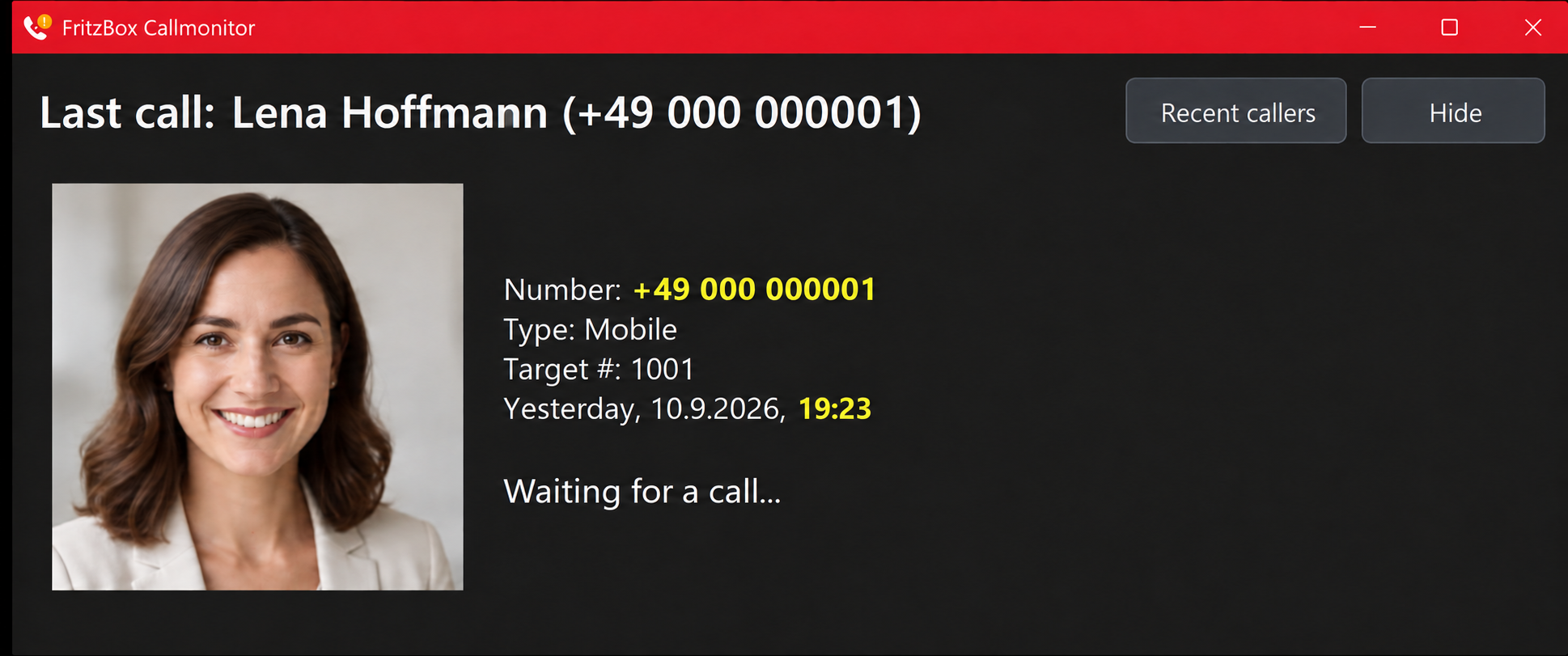
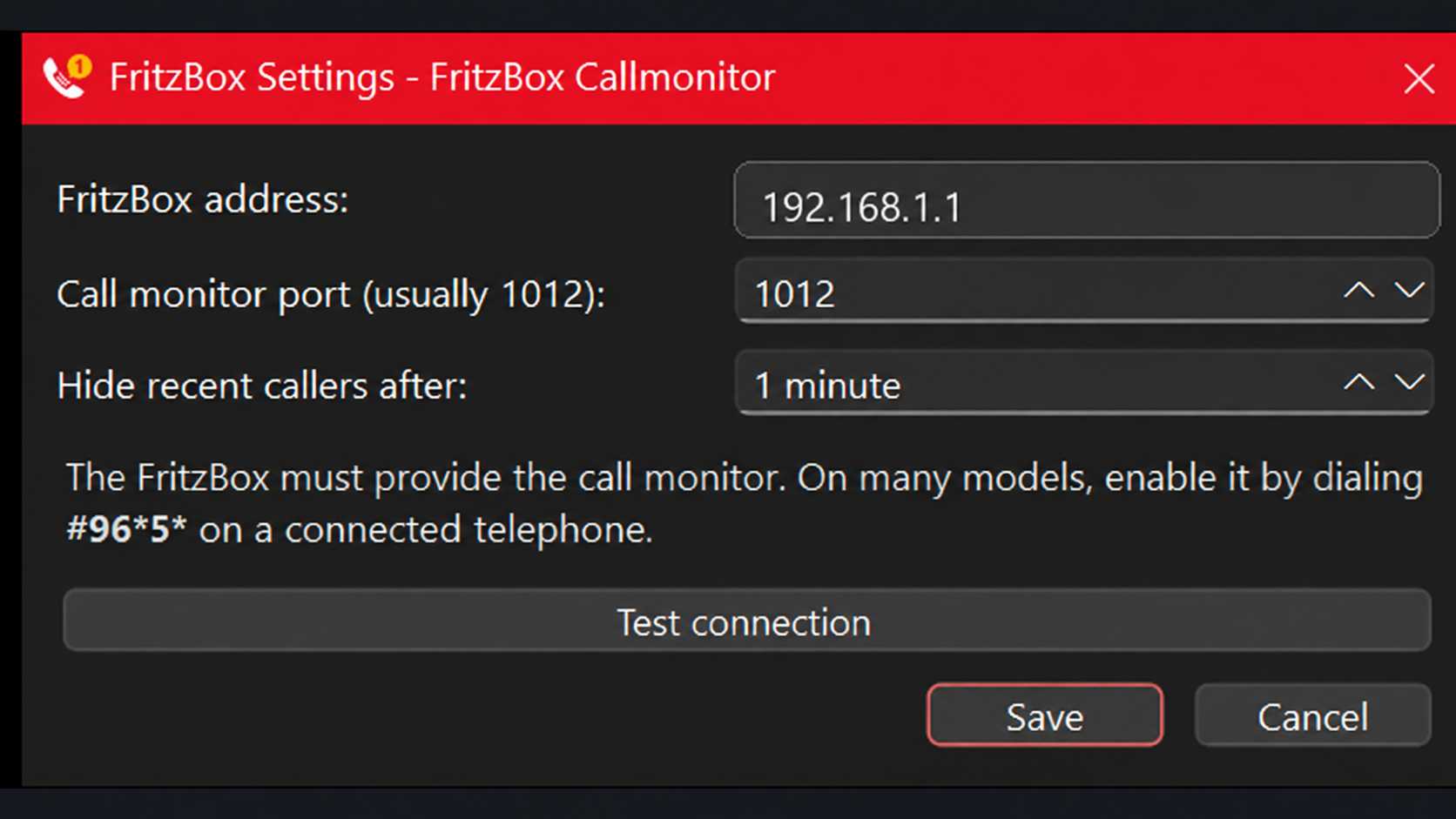
Connects to your FritzBox through port 1012 and shows calls in real time.
Shows incoming calls immediately. A popup remains visible for 15 seconds for each call.
Shows contact names from a local Yealink phone-book database so you can identify callers immediately.
Displays caller pictures from your local contact_pics folder. Assign photos to your contacts.
Shows the location based on the area code (Germany only), so you immediately know where a call originates.
Automatically distinguishes incoming (RING), outgoing (CALL), and missed calls using FritzBox signals.
Runs in the background in the system tray. Double-click the tray icon to show the last call.
German, English, Spanish, French, Portuguese, Russian, Chinese, and Japanese.
FritzBox only: Compatible exclusively with AVM FritzBox routers that have Call Monitor enabled on port 1012.
No call history: The app stores no calls locally or in the cloud; it only shows the last call.
Local pictures: Caller pictures must be stored locally in the contact_pics folder; there are no automatic Yealink downloads.
Yealink phone book: Requires access to Yealink phone-book files (privat.xml, firmen.xml, kontakte.xml) on the network.
FritzBox call monitoring with pictures and location information. Free for FritzBox users.